

Hey, everyone. My name is Shannon and I am a graphic designer and content creator from Chicago, IL. I started Design Dirt as a way to track my progress as a creator and designer. The world of design is vast and can be scary. My goal is that I can hopefully help other designers just starting out to not feel so alone in the creative shark tank we all want to thrive in. Design Dirt is where I will let other’s in on my secrets, tips, tricks, processes on graphic design, illustration, content creation, and whatever else the industry throws my way.


From iPad to Shirt: Halloween Edition Ft. Goof
The process of designing a shirt on my iPad and then printing it on a garment.
We can all agree that it’s been, to be frank, a complete sh*t show of a year. For those of us who have had the luck of surviving thus far, we’ve come to appreciate the simpler things in life, like fun designs and online shopping. This Halloween season, I got the opportunity to work with a lot of great musicians in the U.S. to produce Halloween themed apparel for their online shops. It was a breath of fresh air after getting practically zero orders for band merch in the past few months. and even offers a tiny sliver of hope that maybe bands and musicians might be able to bounce back after the harsh quarantine that took over our year.
With that being said, if you would like to help the music community and venue owners, please visit Save Our Stages. Our world would not be the same without musicians and live shows.
When Natalie Carioti, also known by stage-name Goof, asked me to create a Halloween themed t-shirt design, I was beyond ecstatic. As an illustrator, Halloween is one of the most exciting themes for designing apparel. The downside, is it only comes once a year and the designs only get one month of life to them. I’ve decided to start documenting my full process from start to finish so all of you can join me in creating t-shirts. It’ll also make the Halloween designs last longer than just a month, available to watch the process year around.
First things first, please take a second to check out Goof! Available on all your major platforms, Spotify, Youtube Music, Amazon Music, Apple Music, etc. Make sure to also give Goof a follow on Instagram at @goofofficial.
1. The Design
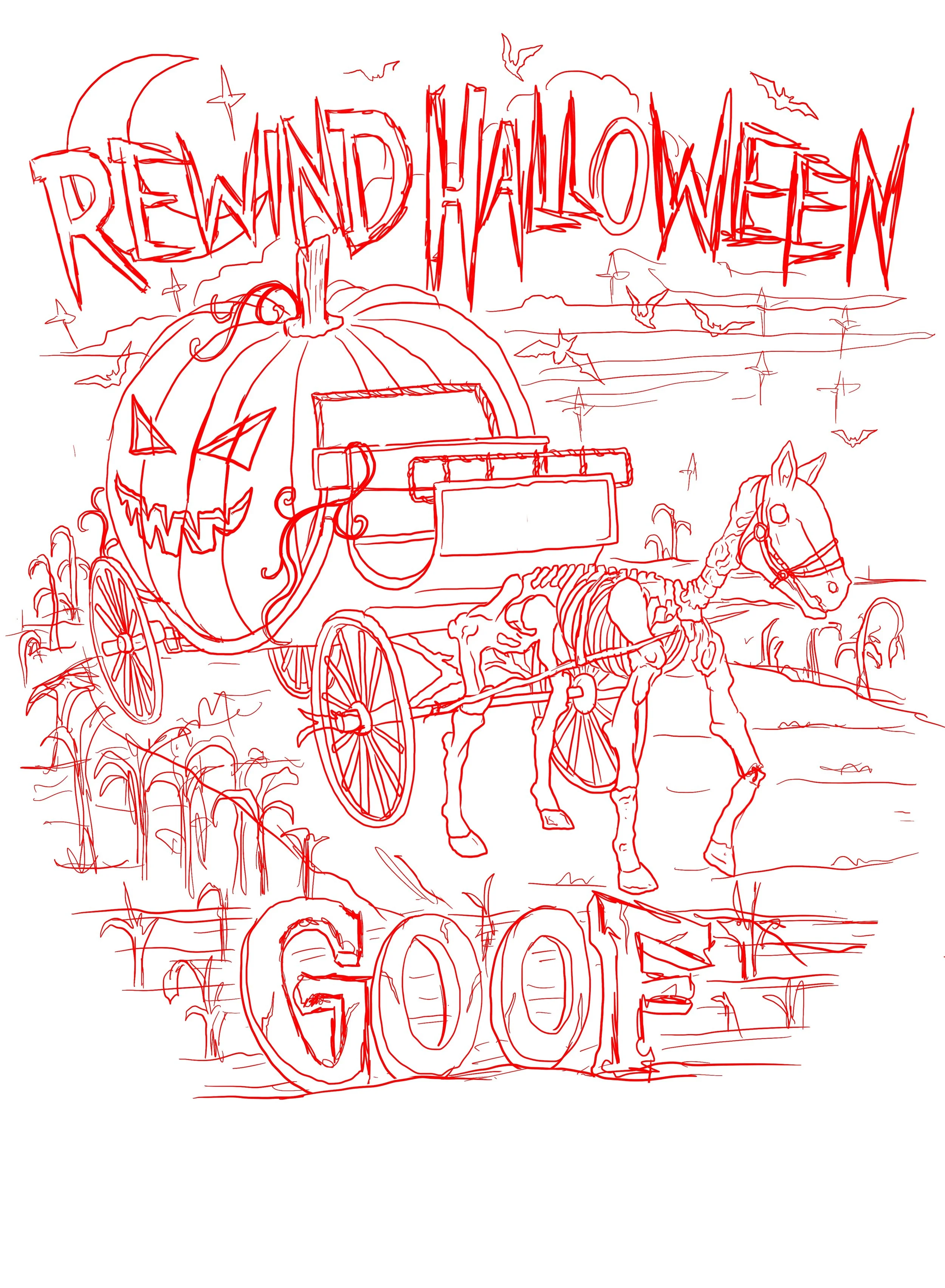
I start off every almost every single design with a sketch. On occasion, depending on my client, I might go straight into final artwork. I’ve learned over the years that sketches can go a long way when it comes to time saving. Natalie definitely gets the credit for this idea. She requested a carriage turning into a pumpkin with an evil face carved into the side. I added in a skeleton horse, because I love drawing skeletons.
2. Final Design and Color Options
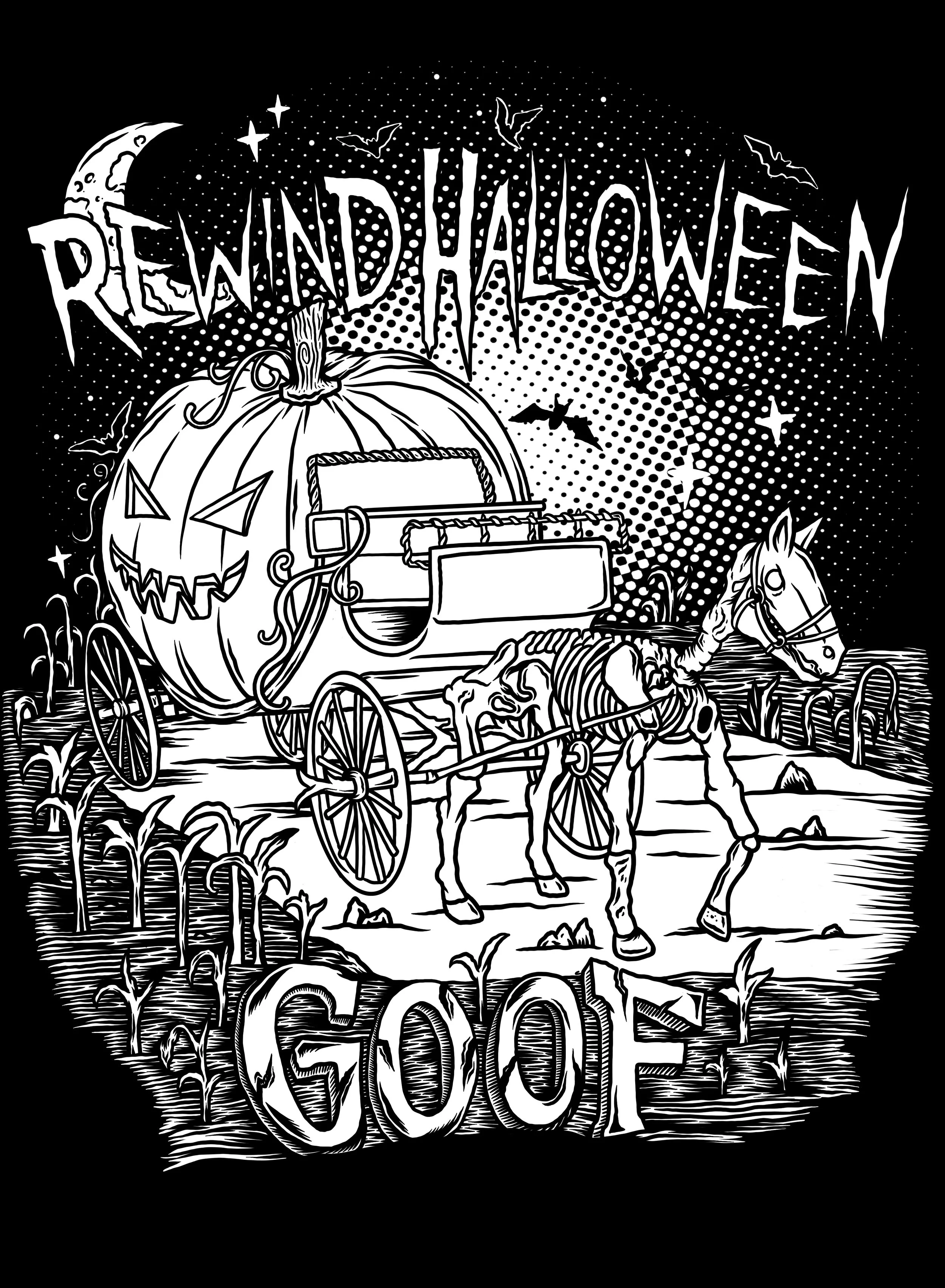
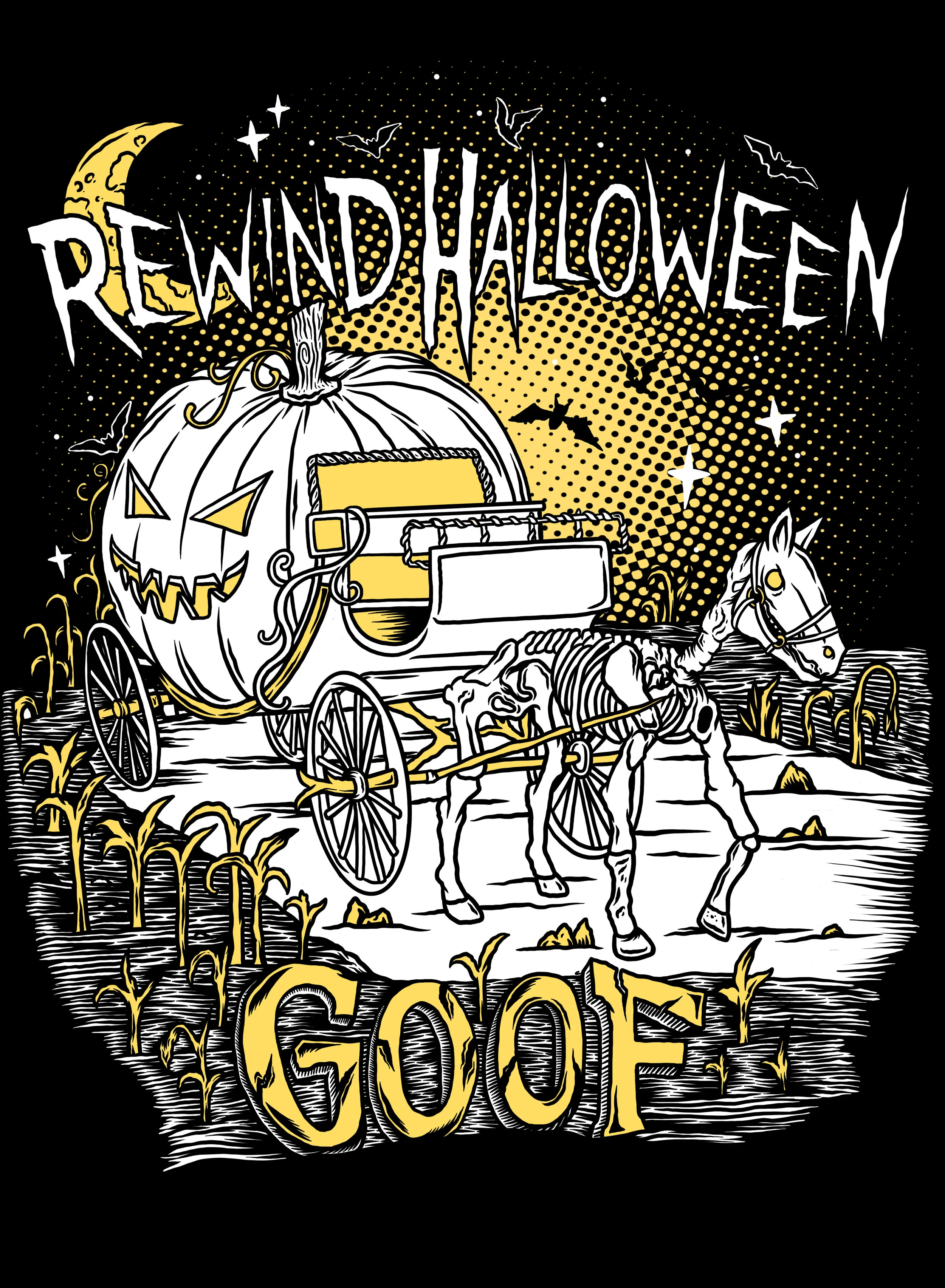
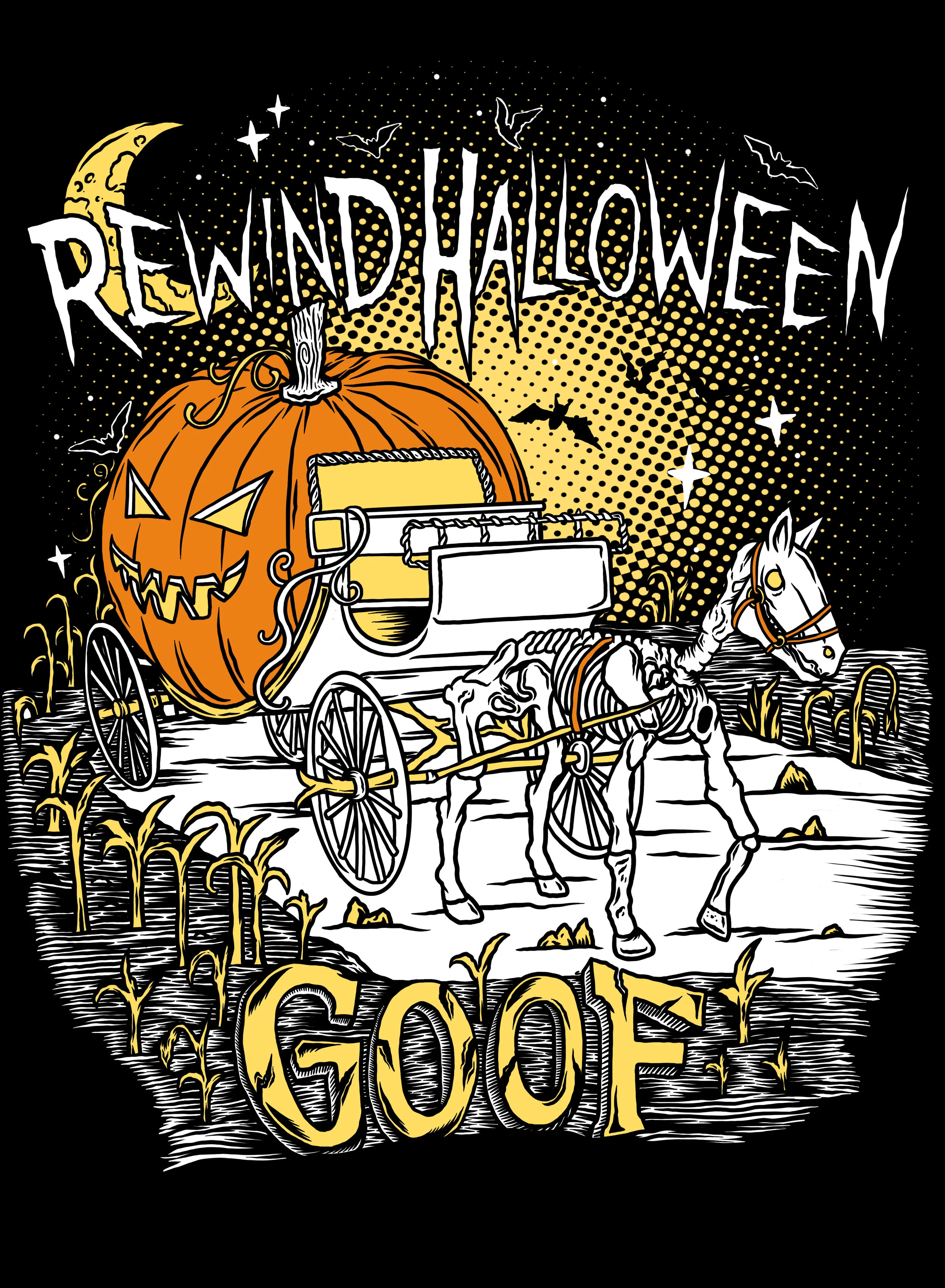
The next step to the process is to do the final drawing and solidify some color options. This design was done in Procreate on my iPad Pro with an apple pencil. I always keep my artwork in layers from the beginning to make the screen-printing process easier. I have an ink layer and then a layer for every separate color. One great thing about working digitally is it’s super convenient to show different options. At Wicked City Apparel, we run a 6 color screen-printing press, so for full artwork I like to show options for 1 to 6 colors.
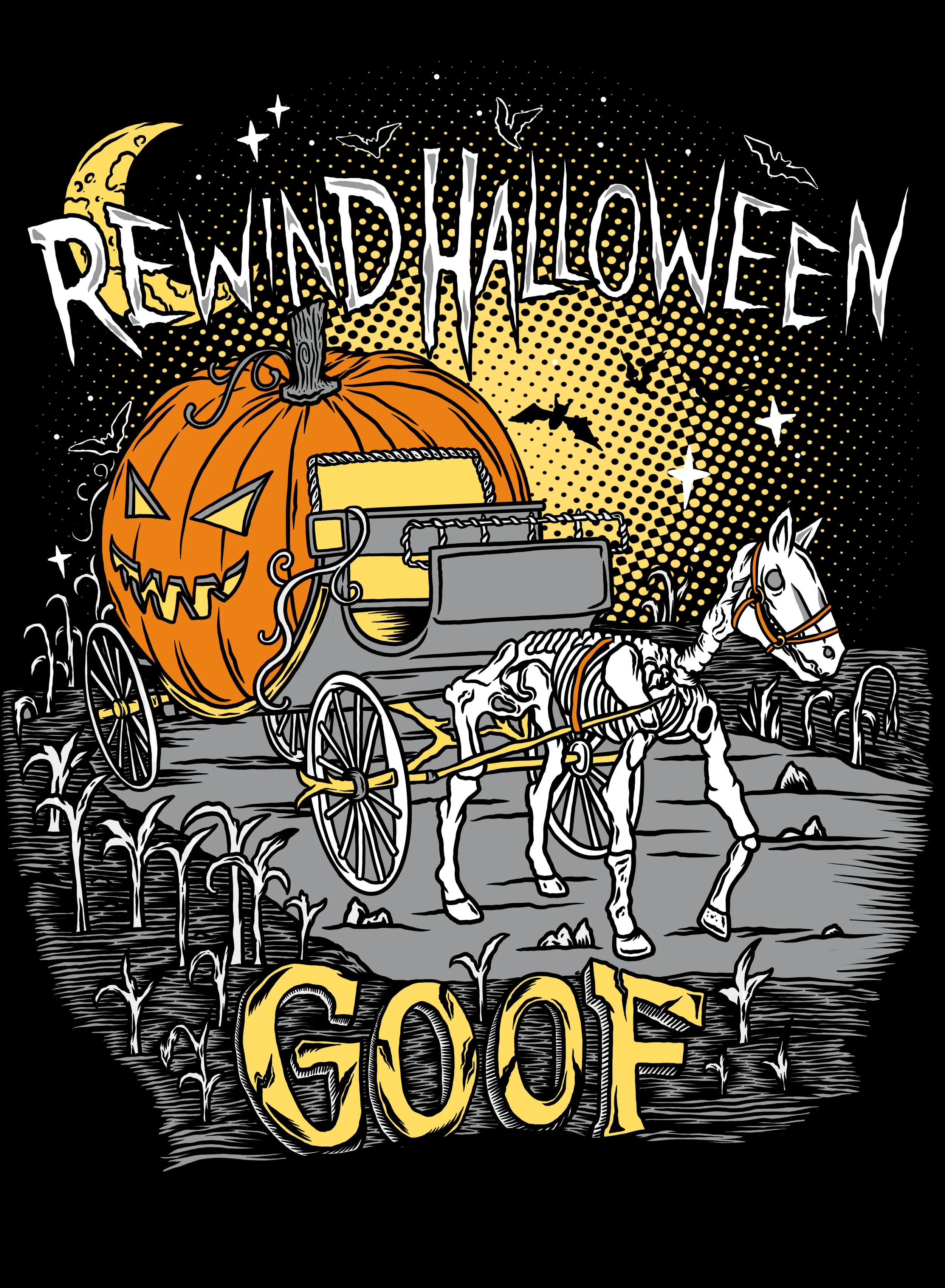
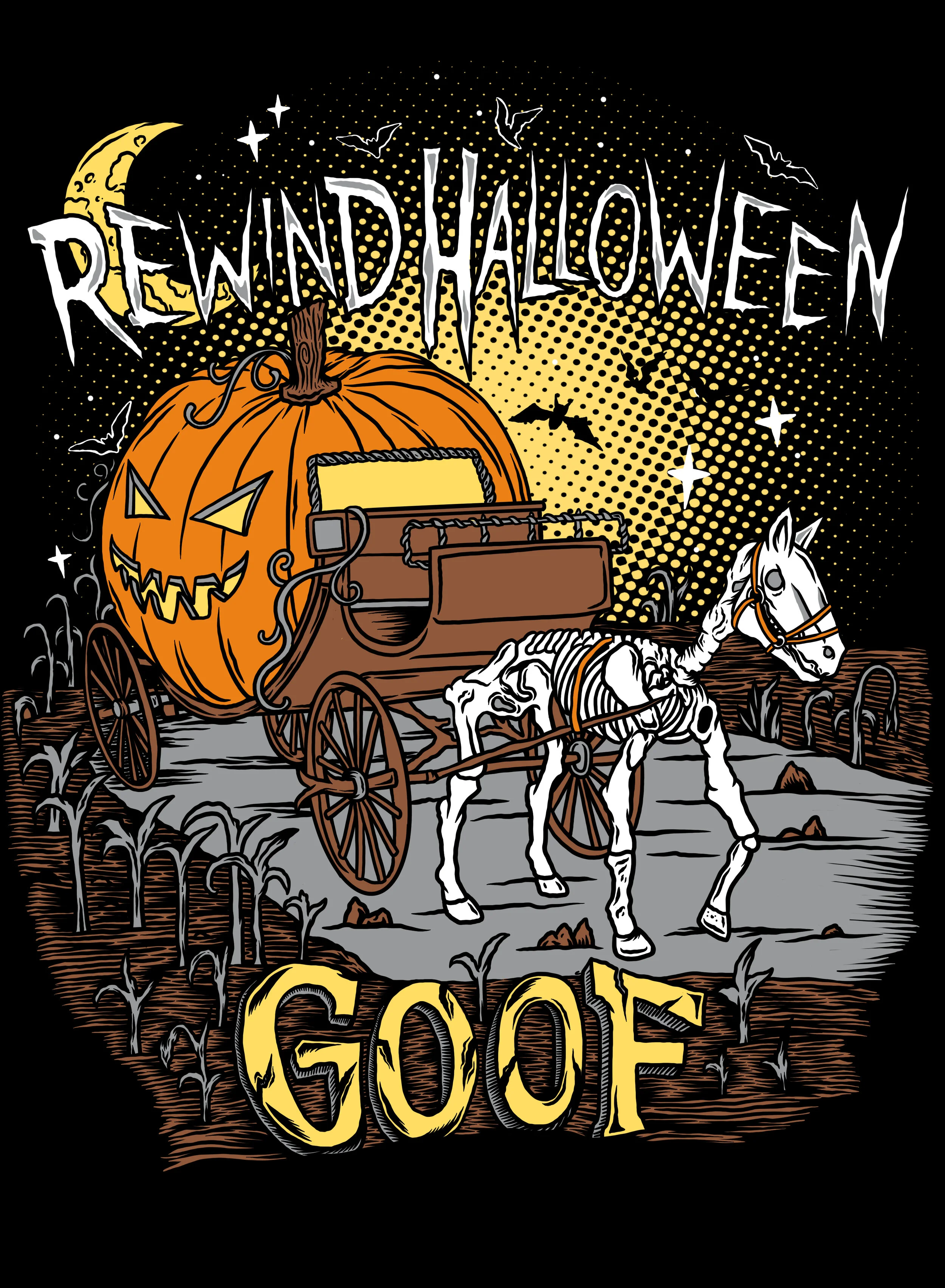


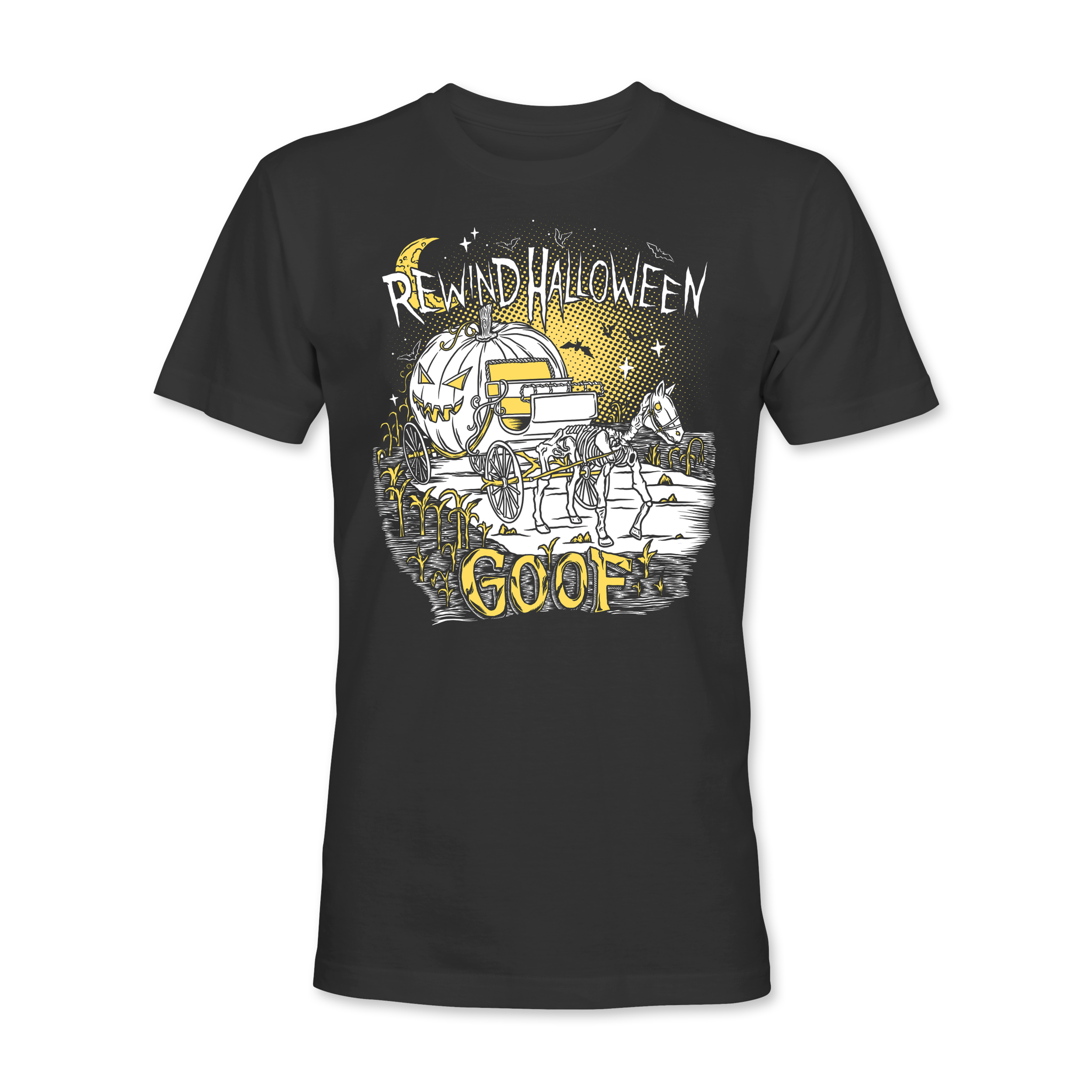


3. Preparing Files for Print
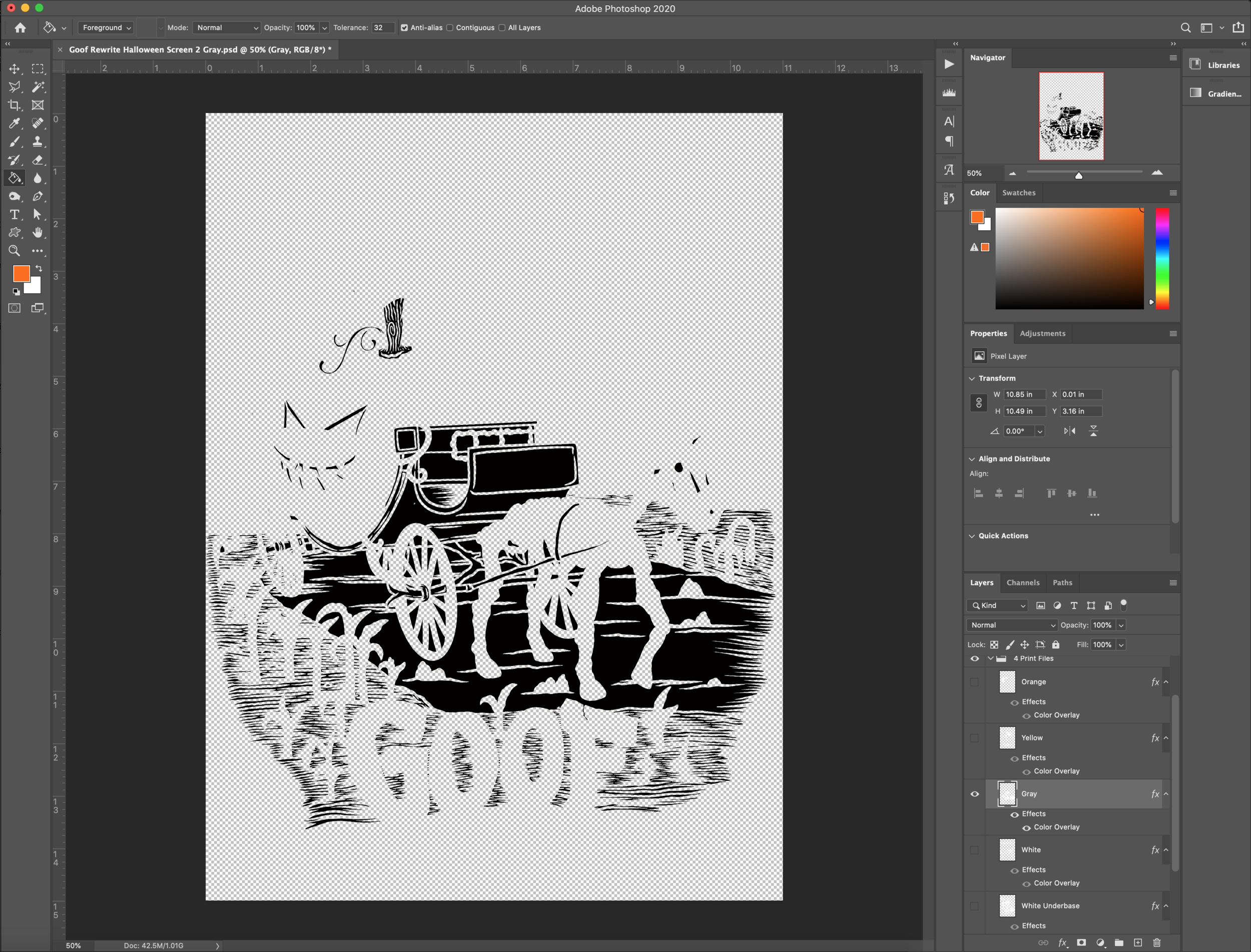
The next step in the process is preparing the art files to become screens. I use Photoshop to separate the colors and to add in bleeds if necessary. A lot of the time, I create the artwork from the beginning without any of the colors touching. The “lines” of the illustration become the color of the shirt and it simplifies the printing process later on. Natalie chose the four color option for the final print, so I need to separate the artwork files into 4 different “positives” to burn screens from. The files below would turn into 4 screens for white ink, yellow ink, orange ink, and gray ink.
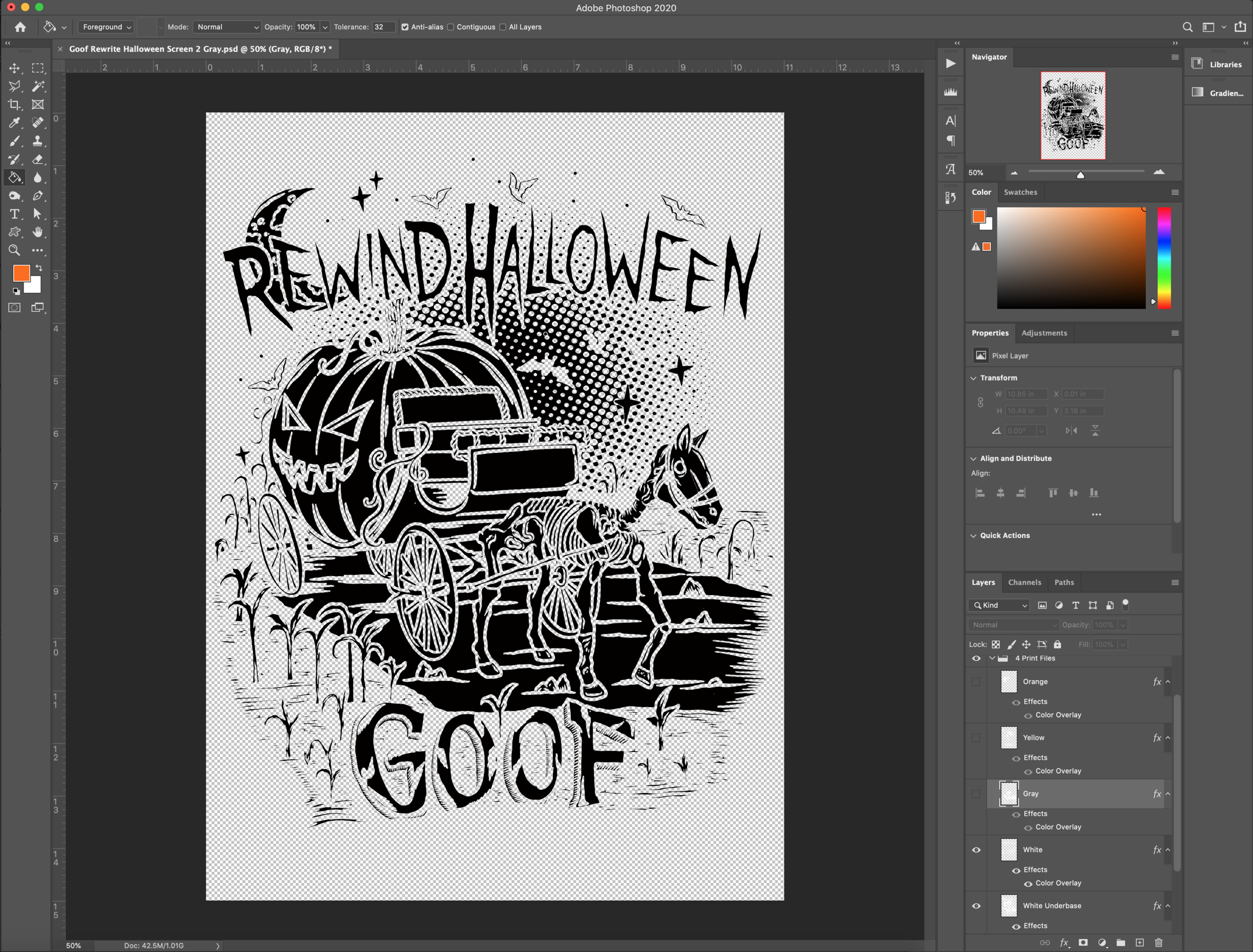


4. Burning Screens
After the files have been prepped and separated, the next step is burning the screens. I use an Epson Artisan printer to print out the positives on film. The film is then used to shine light onto emulsion-coated screens. Wherever the ink is on the film, the emulsion does not harden from the light and will wash out, leaving the space for the ink to be pushed through.
5. The fun part…PRINTING!
The final step in the process is setting up the press and actually printing the shirts. See the full process in my video below:
Search Posts
-
Apparel and Printing
- Apr 20, 2022 How to Create Artwork for T-Shirts: A Guide for Artists Designing for Screen Print Apr 20, 2022
- Nov 2, 2020 From iPad to Shirt: Halloween Edition Ft. Goof Nov 2, 2020
-
Art Processes
- Apr 20, 2022 How to Create Artwork for T-Shirts: A Guide for Artists Designing for Screen Print Apr 20, 2022
- Nov 2, 2020 From iPad to Shirt: Halloween Edition Ft. Goof Nov 2, 2020
- Sep 2, 2020 Tech Talk: My Tools for Digital Artwork Sep 2, 2020
- Jun 29, 2020 The Process Behind the Label: Designing My First Beer Can Jun 29, 2020
- May 20, 2018 The Process of Designing Posters May 20, 2018
-
Product Reviews
- Sep 2, 2020 Tech Talk: My Tools for Digital Artwork Sep 2, 2020
-
Technology
- Apr 20, 2022 How to Create Artwork for T-Shirts: A Guide for Artists Designing for Screen Print Apr 20, 2022
- Sep 2, 2020 Tech Talk: My Tools for Digital Artwork Sep 2, 2020
Are you an artist that needs to create artwork for screen printed t-shirts? Use this guide to help you set up your artwork files the right way. Explains screen-printing basics and how the method affects your artwork creation.